PDF Editing
Merge, split, rotate, and watermark files with quick output and sharing options.
Android PDF Toolkit
Max PDF combines PDF editing, annotation, scanning, OCR, watermarking, and encryption into a single mobile workflow.
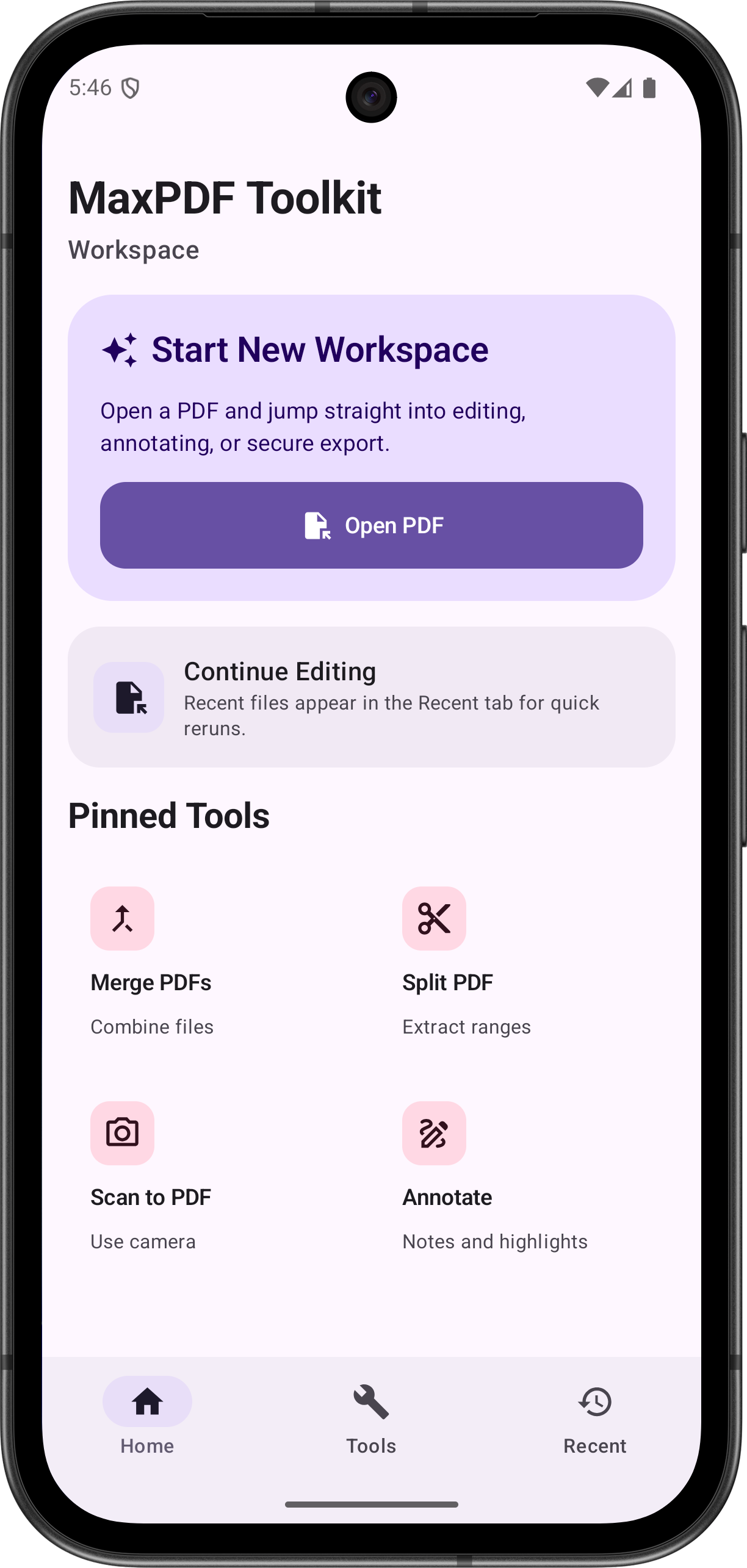
Merge, split, rotate, and watermark files with quick output and sharing options.
Add text, highlights, drawings, and stamps directly on document pages.
Capture documents and extract text locally using on-device ML Kit features.
Apply user and owner passwords with permission controls and encryption.
Swipe navigation, zoom controls, and thumbnail browsing for large PDFs.
Your document content stays on-device for editing, scanning, and OCR workflows.
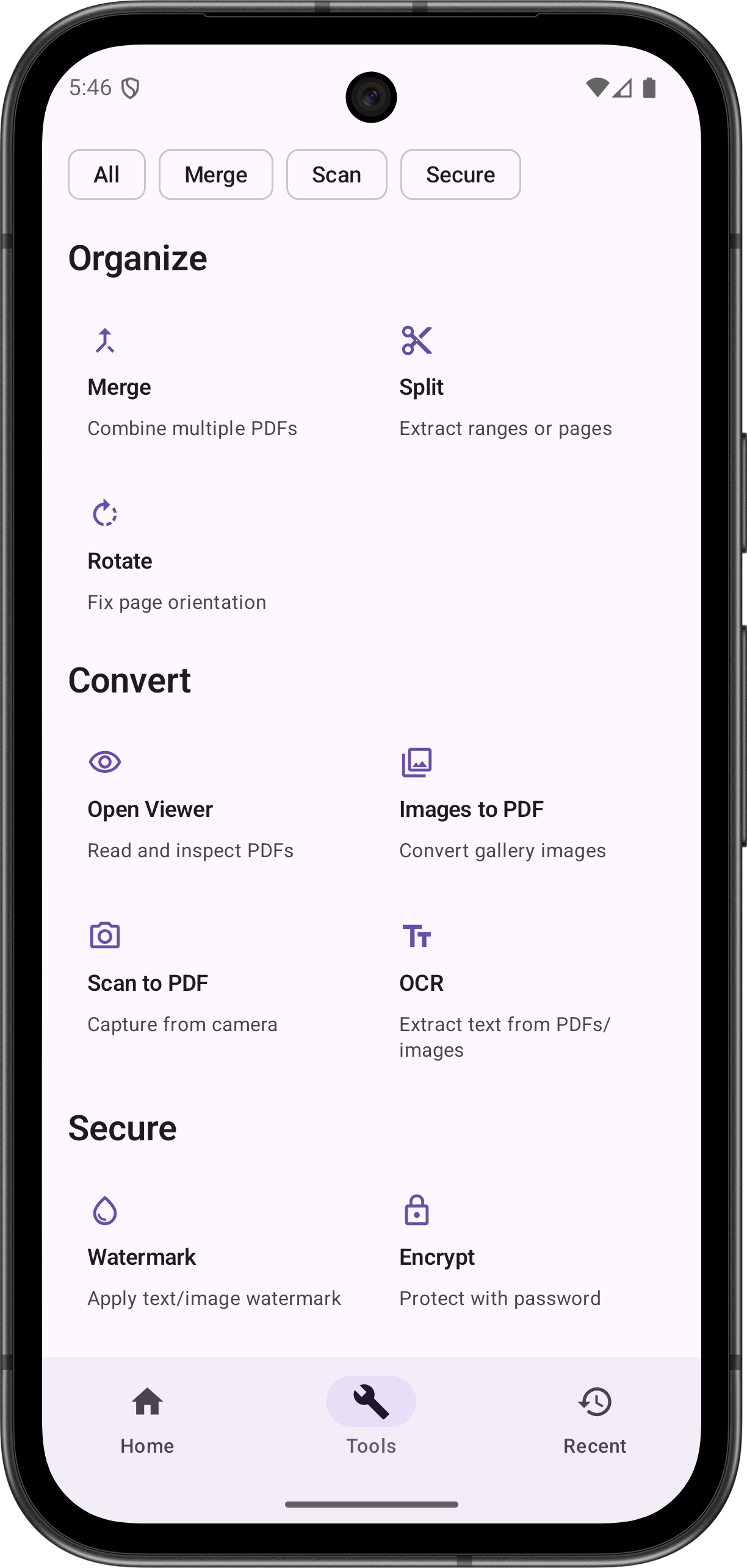
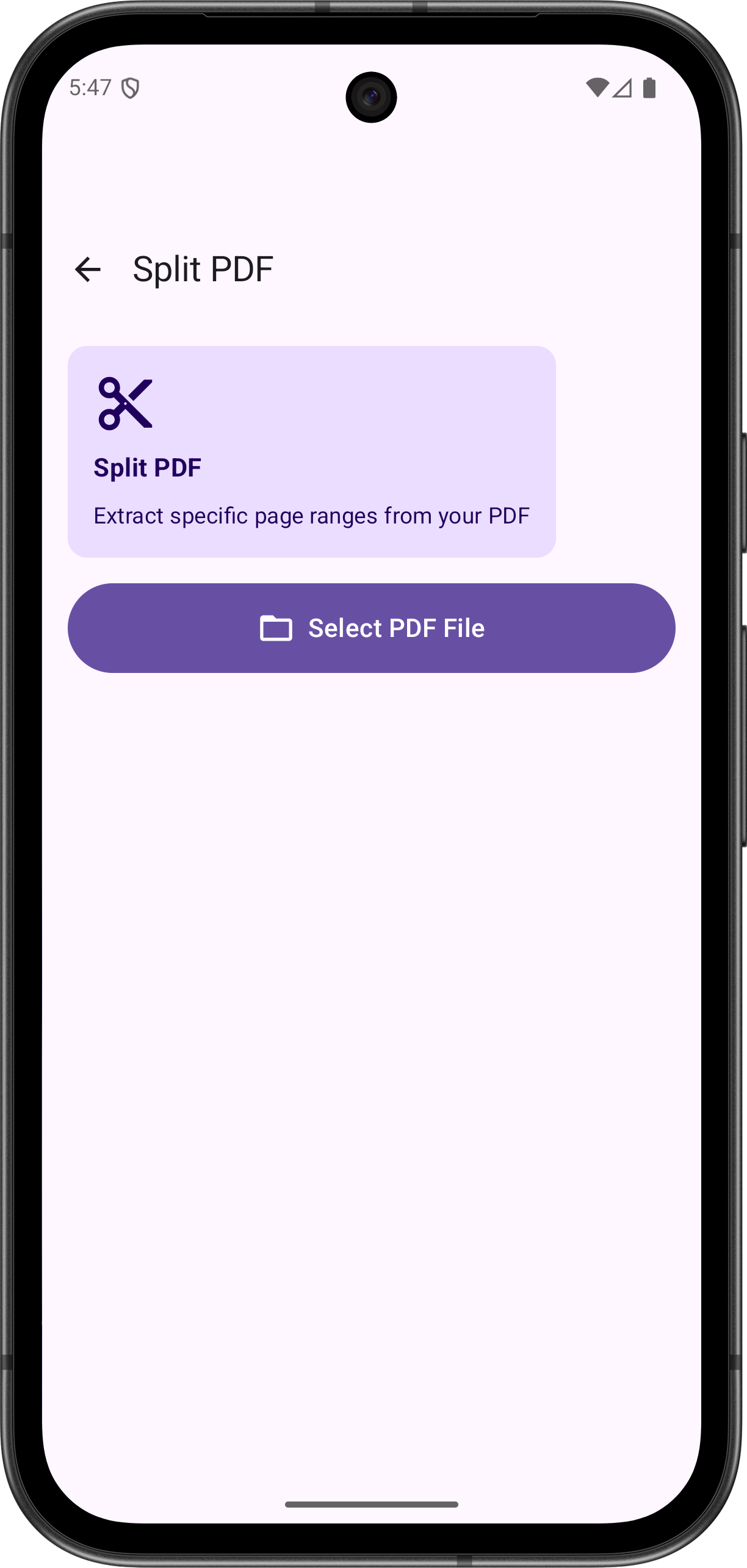
Max PDF is designed for practical tasks: quick file fixes, clean scans, annotation, and secure sharing.
Get in Touch